
Get the app iOS
iOS Android
 Windows
Install LearnEdge on your device.
No app store required. Installs in seconds and works like a native app — on phones, tablets and computers.
iOSAndroidWindows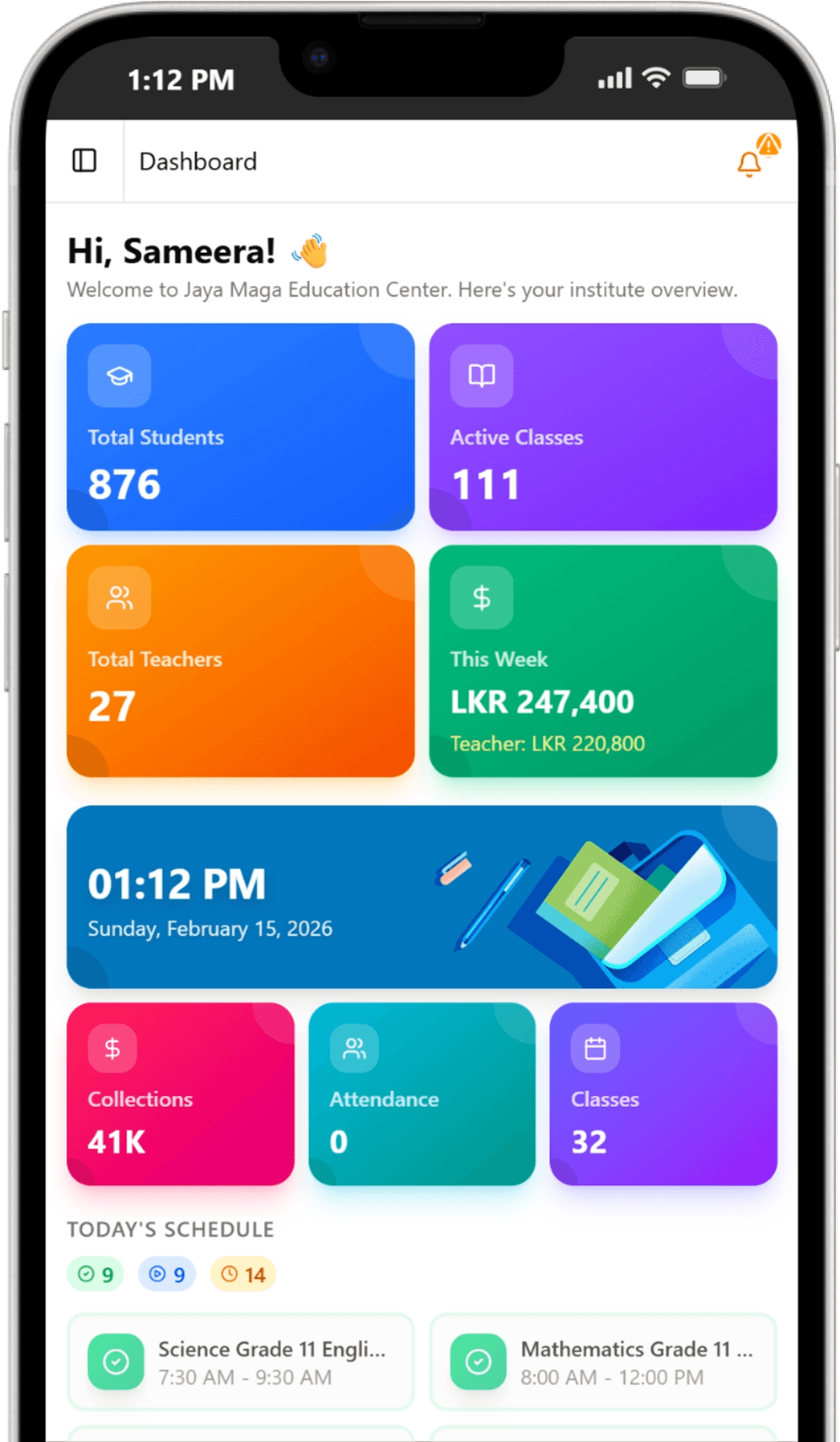
Native experience
Full-screen, without browser bars getting in the way.
Lightning fast
Instant loading with optimised caching.
Quick access
Launch from your home screen — no searching.
Secure & private
The same protection as the web app, on your device.
Installation
Three steps, any device.
1
Open the browser menu
Click the three dots (⋮) in the top-right corner of Chrome or Edge.
2
Find the install option
Look for “Install LearnEdge” or “Install app”.
3
Click install
Confirm when prompted. LearnEdge opens in its own window.
Note: if you recently uninstalled the app, refresh the page or wait a moment for the install option to reappear.